
How to Configure 4G Wireless Data Terminal?

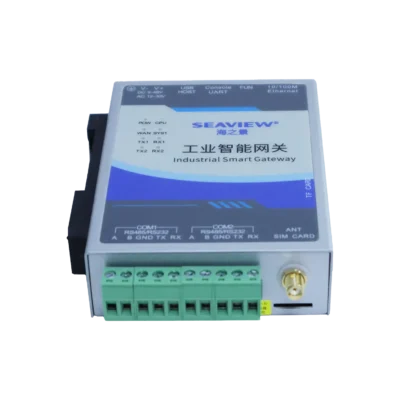
Collecting data from remote industrial sites used to require expensive wired infrastructure. Today, cellular technology allows us to transmit sensor data over vast distances effortlessly. I have worked with hundreds of industrial IoT setups where the 4G DTU (Data Terminal Unit) was the central component. Many technicians feel intimidated when they first see the configuration interface. Learning how to configure 4G wireless data terminal? units is the key to unlocking reliable remote monitoring for your facility. This process involves setting up network credentials and hardware communication parameters. Once you master these basic steps, you can connect almost any industrial device to the cloud.
Preparation Before Starting the Configuration
Before you begin the software setup, you must ensure the hardware is ready. Start by inserting a valid industrial SIM card into the device slot. Ensure the antenna is securely attached to maximize signal strength. A stable power supply is critical for preventing communication drops during the initial setup phase. I always recommend using a dedicated DC power source that meets the manufacturer’s voltage requirements.
Hardware Connection to Your PC
Connect the data terminal to your computer using a serial-to-USB cable or an Ethernet cable. Most industrial terminals use RS232 or RS485 interfaces for local configuration. You will need to identify the correct COM port in your computer’s Device Manager.
Software Requirements
Download the specific configuration tool provided by the equipment manufacturer. These tools usually allow you to read and write parameters through a graphical user interface. Ensure your computer’s serial port settings match the default parameters of the terminal before clicking “Connect.”
A Step-by-Step Guide on How to Configure 4G Wireless Data Terminal?
The core configuration determines how the device communicates with the cellular network and your remote server. You must enter specific values provided by your mobile carrier and your IT department. The most common reason for connection failure is an incorrect Access Point Name (APN) or server IP address. Follow these steps to ensure a successful link to your data center.
Configuring the Access Point Name (APN)
The APN is the gateway between the cellular network and the public internet or your private network. Navigate to the network settings tab in your configuration software. Enter the APN name exactly as provided by your SIM card provider. Incorrect APN settings will prevent the 4G wireless data terminal from obtaining an IP address from the carrier.
Network Protocol and Server Address Settings
Next, you must define the communication protocol, such as TCP, UDP, or MQTT. Enter the public IP address or the domain name of your remote server. Specify the listening port that your data center uses to receive incoming connections. Using TCP ensures that data packets are acknowledged, which is vital for critical industrial monitoring tasks.
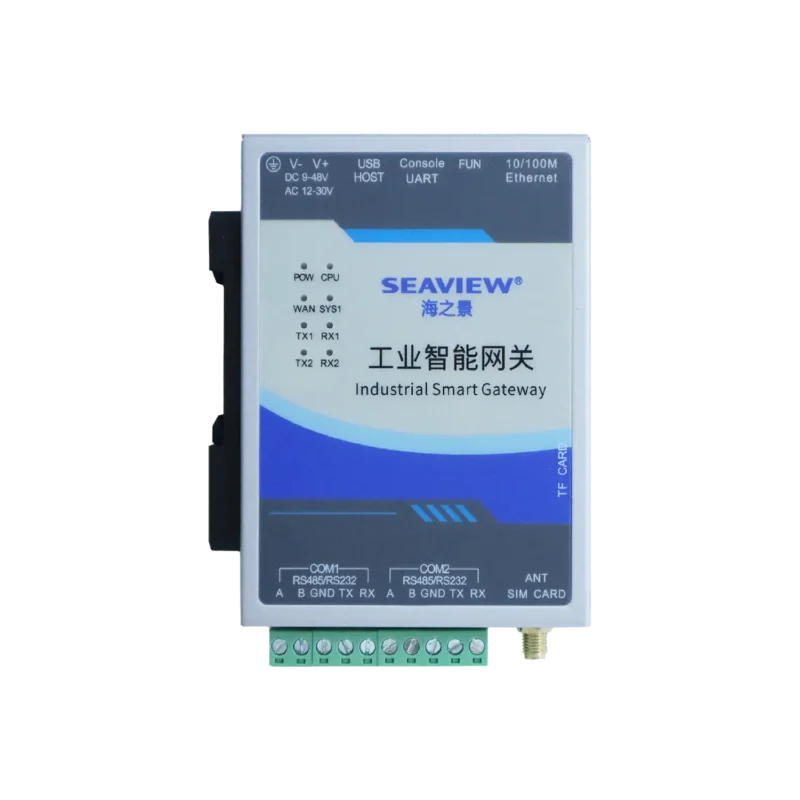
Optimizing Serial Port Communication Parameters
The data terminal acts as a bridge between your local industrial equipment and the cellular network. Therefore, the serial settings of the terminal must match your PLC or sensor exactly. Mismatched baud rates will lead to garbled data or complete communication silence between the device and the terminal.
Setting the Baud Rate and Parity
Consult the manual of your field device to find its communication speed. Common baud rates include 9600, 115200, or 38400 bits per second. Adjust the parity, data bits, and stop bits to align with your equipment’s configuration. Aligning these parameters is essential for the “transparent transmission” of data across the 4G network.
Data Packaging and Heartbeat Settings
Industrial networks often require specific data packaging intervals to optimize bandwidth. You can set the “package length” or “package timeout” to control how data is sent. Additionally, enable the “heartbeat” function to keep the cellular connection active during periods of inactivity. A well-configured heartbeat prevents the mobile network from timing out the connection during idle periods.
Ensuring Security and Maintenance of the Terminal
Security is a major concern when transmitting industrial data over public cellular networks. You should always change the default administrative password of the device. Implementing encryption protocols like TLS or using a private APN significantly reduces the risk of unauthorized data access.
Remote Management Features
Many professional 4G terminals allow for remote configuration updates via SMS or cloud platforms. This feature is invaluable for maintaining devices installed in hard-to-reach locations. You can update server addresses or reboot the device without visiting the site.
Monitoring Signal Quality
The configuration tool usually displays the signal strength in dBm or CSQ values. A signal stronger than -85 dBm (CSQ > 15) is generally required for stable high-speed transmission. If the signal is weak, consider moving the antenna or using a high-gain directional antenna to improve performance.
How to Choose the Right 4G Wireless Data Terminal
Selecting the right hardware is just as important as the configuration itself. You must evaluate the operating temperature range and the ruggedness of the housing. Look for devices that support a wide voltage input for flexible installation. Choosing a terminal with multiple serial interfaces allows you to connect several different types of equipment simultaneously.
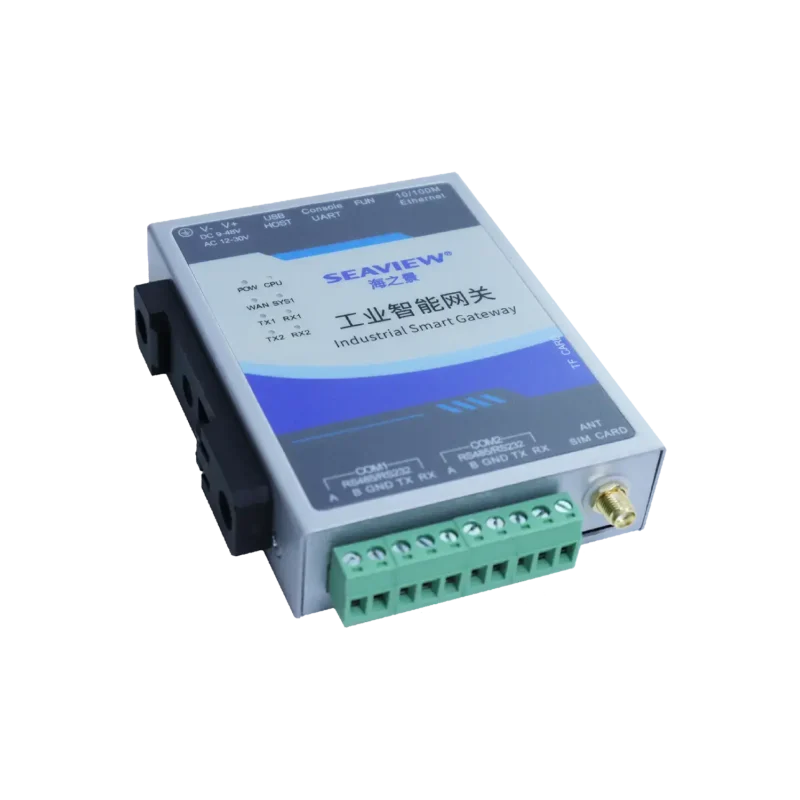
When you are ready to implement a professional solution, consider the build quality and protocol support. You can find detailed technical specifications for a high-performance 4G industrial wireless data terminal DTU on our product page. This model supports standard industrial protocols and offers high-level surge protection. Selecting a terminal with robust internal watchdog timers ensures the device automatically recovers from network errors without human intervention.
Conclusion
To answer the core question, the process of how to configure 4G wireless data terminal? units involves setting the correct APN, choosing a transmission protocol, and matching serial port parameters. Successful configuration ensures that your remote assets are always visible to your management system. Mastering these settings allows you to build a resilient and scalable industrial IoT network for any environment.
FAQ
1. Why is my 4G data terminal not connecting to the network?
Check the SIM card status and ensure the APN is entered correctly. Verify that the antenna is connected and that you are within the coverage area of the carrier. Most connection issues are caused by incorrect APN credentials or insufficient signal strength.
2. Can I configure the 4G data terminal remotely?
Yes, many industrial terminals support remote configuration through SMS commands or specialized cloud management software. This allows you to change settings without physically connecting a computer to the device. Remote management is essential for large-scale deployments across multiple geographic locations.
3. What is “Transparent Transmission” in a 4G data terminal?
Transparent transmission means the terminal sends data exactly as it receives it from the serial port. It does not modify the data packets, acting like a long-distance virtual cable. This mode is ideal for connecting PLCs and RTUs to remote SCADA systems without complex protocol conversion.
4. How do I know if the baud rate is set correctly?
If the terminal’s status light shows it is connected to the network but the data center receives unreadable characters, the baud rate is likely wrong. Match the baud rate of the terminal with your field device’s manual. Testing the connection with a serial debugging tool on your PC can help confirm the correct settings.
5. Does the 4G wireless data terminal support private networks?
Yes, industrial terminals can be configured to work with private APNs provided by mobile carriers. This creates a secure, isolated tunnel for your data that is not accessible from the public internet. Private APNs are the preferred choice for high-security infrastructure and utility monitoring.
Reference Sources
Federal Communications Commission (FCC) – Regulations and authorization for wireless equipment.